Presell Pages

Presell Page Templates

If you want to drive paid traffic (for example Facebook Ads, Google Ads or YouTube Ads), it’s essential that you send visitors to a page on your website, not straight from an ad to our sales page.

You have not created a promotion hoplink, click here to create one.

Promotion Links

There are several reasons for this. A big one is that Facebook, Google and the other ad networks don’t like lots of affiliates sending ads to the same page. Sending visitors to your own website avoids that problem. A good presell page also warms your visitors up, so more of them are ready to buy when they reach Sarah’s video.

Below are two presell pages made for Brilliant Yoga. Each one comes in two versions:

  • WordPress version: import it with the free Commission Kickstart plugin (steps below).
  • HTML version: a zip with the page, its pictures and a README. Upload it to any web host, or to a free one such as Netlify or Cloudflare Pages, and ask an AI assistant to change the words and colours if you like.

Every button in both versions points to the words AFFILIATE-LINK. Replace them with your own hoplink from the Promotion Links page.


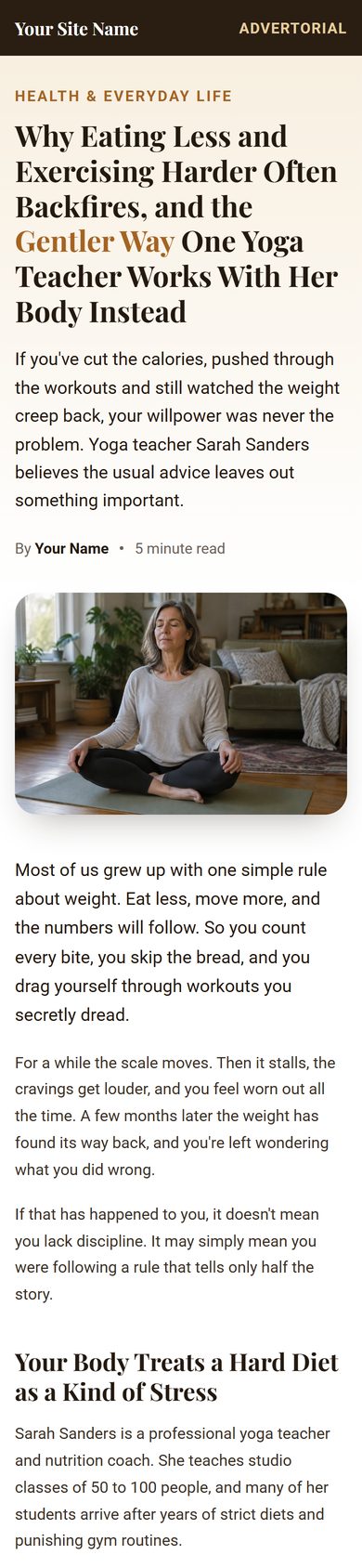
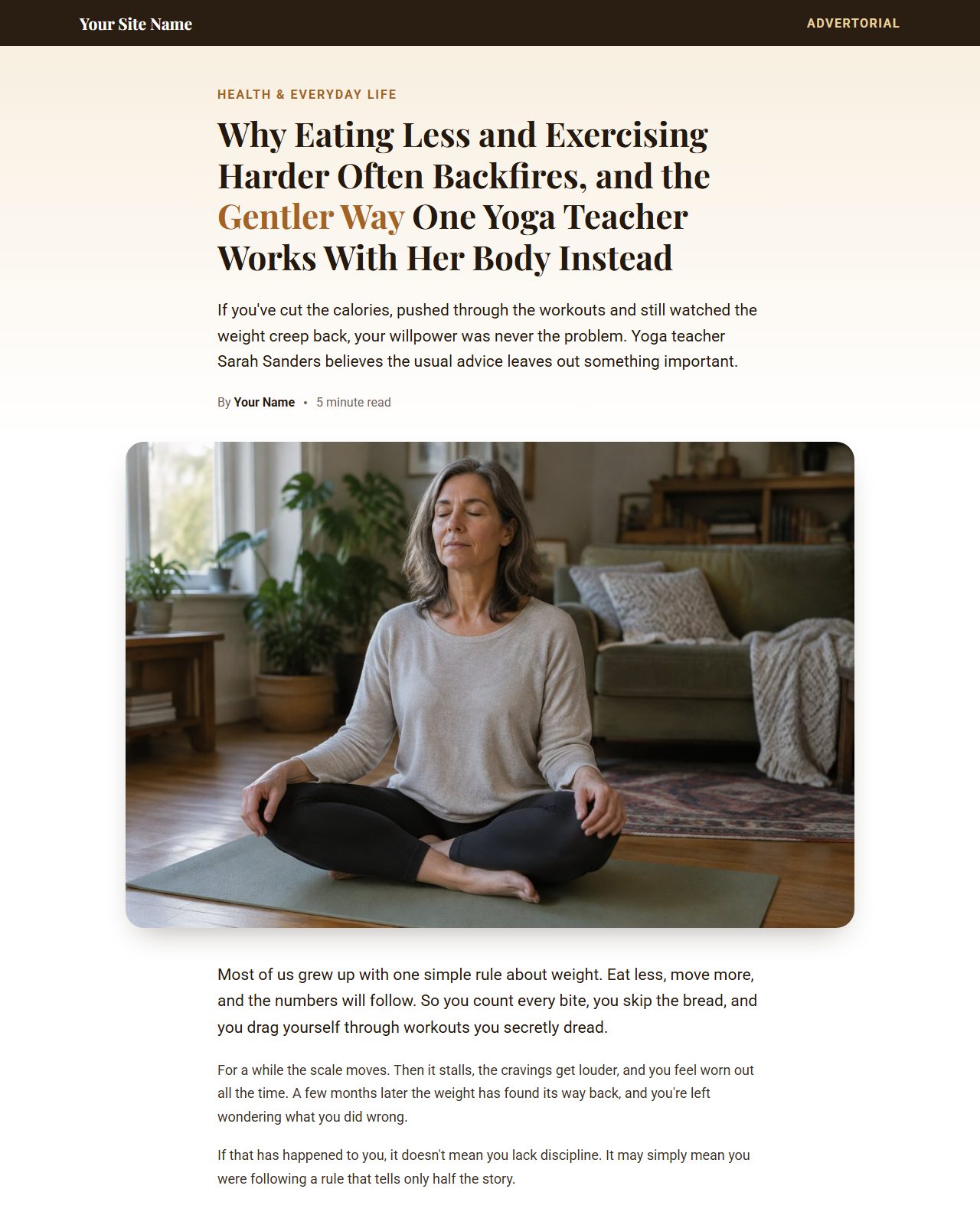
Article Presell on a computer Article Presell on a phone

Article Presell

A five-minute article that explains why strict diets and hard workouts so often backfire, introduces Sarah Sanders and her gentler approach, and hands the reader to her video. Best for cold traffic from Facebook, native and Google ads, and for blog readers.

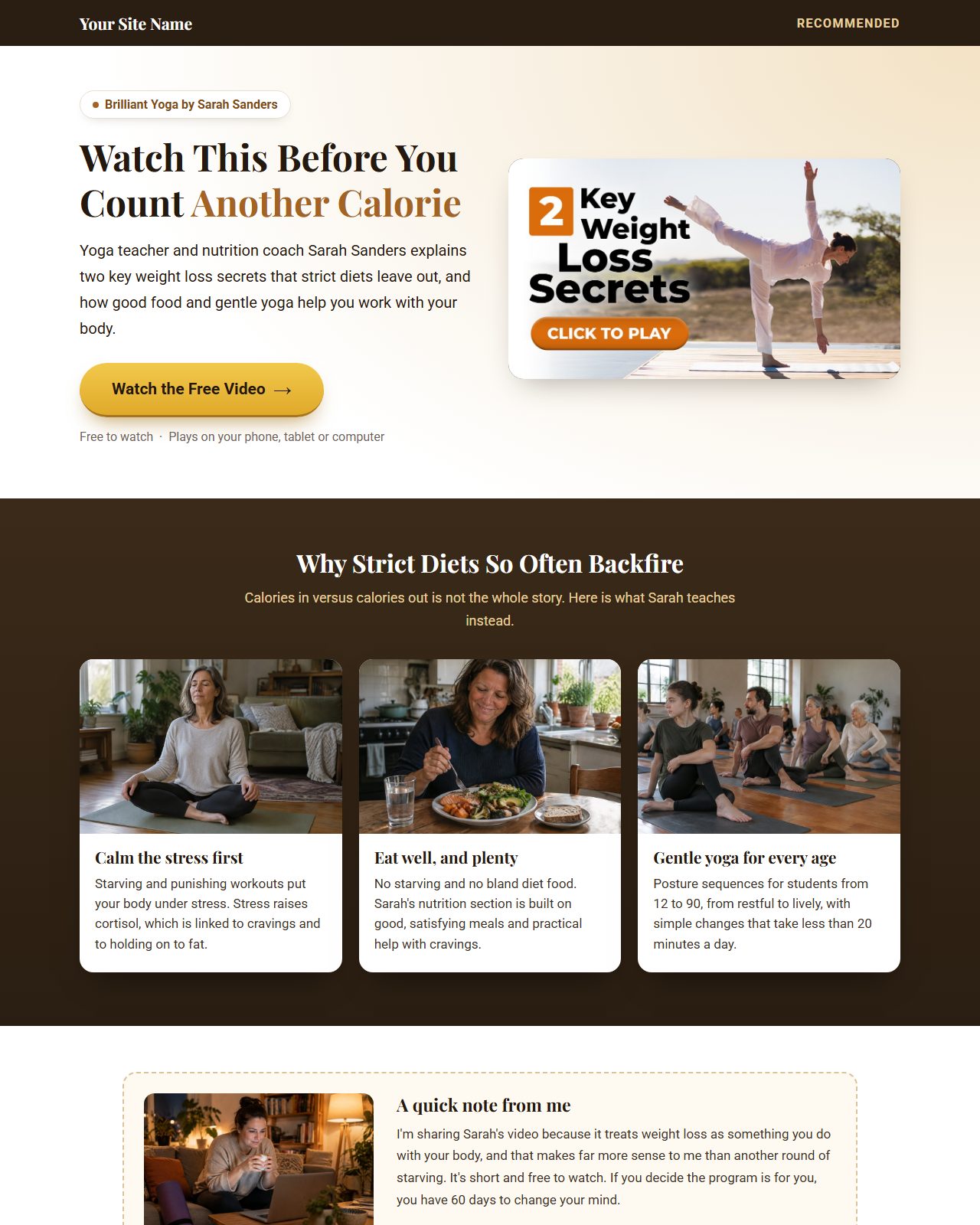
Bridge Page on a computer Bridge Page on a phone

Bridge Page

A short page that sets up Sarah’s video in a few lines, with the video still as the main button. Best for warmer traffic: your email list, YouTube, social posts and retargeting ads.

Using the WordPress version

  1. 1
    Visit Commission Kickstart

    Download and install the latest version of the free plugin on your WordPress site.

  2. 2
    Download a template

    Click “Download WordPress” under the page you want. Keep the file zipped.

  3. 3
    Import it and add your links

    Set up a new page, click ‘enable’ on Commission Kickstart and import the zip. Paste your hoplink into each ‘button link’ field.

  4. 4
    Send your traffic

    Start running your ads or posts to your new page.

  5. 5
    Collect your commissions

    You earn 70% on every sale made through your hoplink.

Using the HTML version

  1. 1
    Download and unzip it

    Click “Download HTML”. You get index.html, style.css, an images folder and a README.

  2. 2
    Put in your hoplink

    Open index.html in any text editor, find AFFILIATE-LINK and replace every one with your hoplink from the Promotion Links page. Change “Your Site Name” and “Your Name” too.
  3. 3
    Make it yours (optional)

    Want your own words or colours? Give the files to an AI assistant with the ready-made request in the README.

  4. 4
    Upload it

    Put the folder on your web host, or drag it onto Netlify Drop or Cloudflare Pages, then send your traffic there.

Keep it within the rules. Leave the affiliate disclosure and health note in the footer, and never add weight loss promises, timeframes, before-and-after pictures or customer results. The guarantee is 60 days (8 weeks), never longer.